
Repeat a key or shortcut
Use a built-in key preset or set up your own combination.
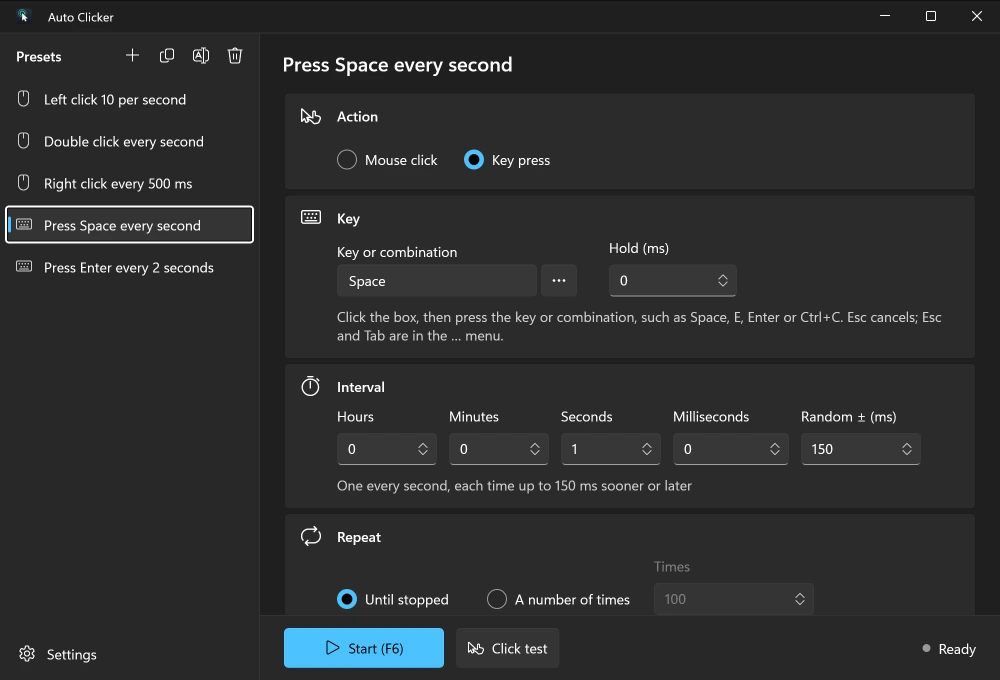
Try a built-in preset
Select Press Space every second or Press Enter every 2 seconds. Open Click test, focus its test area, and press F6.
Set a custom key
Create or duplicate a preset and choose Key press under Action. Record the key or the combination, such as Ctrl+C or Shift+F5.
Set timing and repeat
Set the interval and hold time as you would for clicks. Use a small repeat count for your first test.
Check where the keys go
Focus the intended window before the countdown ends. In Click test, check the key-press counter and the last key shown. Press F6 to stop.