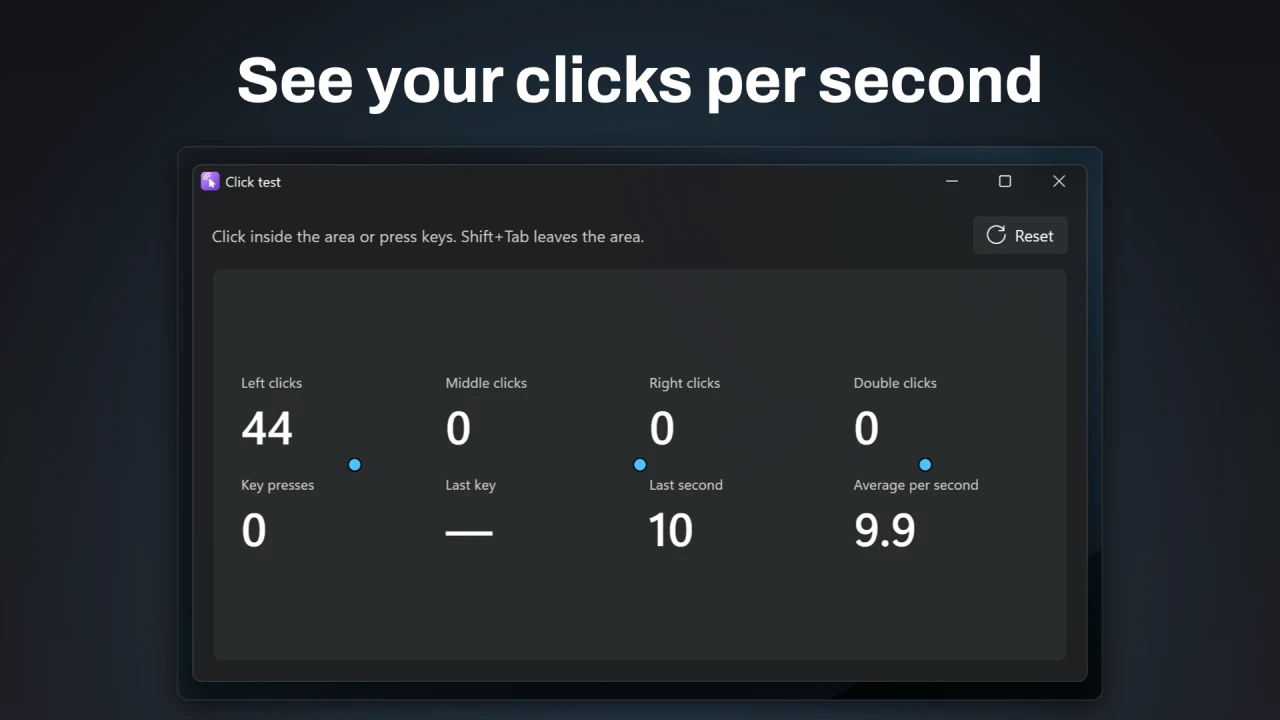
Set the pace.
Let it click.
Repeat mouse clicks and keystrokes on Windows. Pick a point or a sequence, set the pace, and press F6 to start or stop.
Windows 10 & 11 · x64 and ARM64
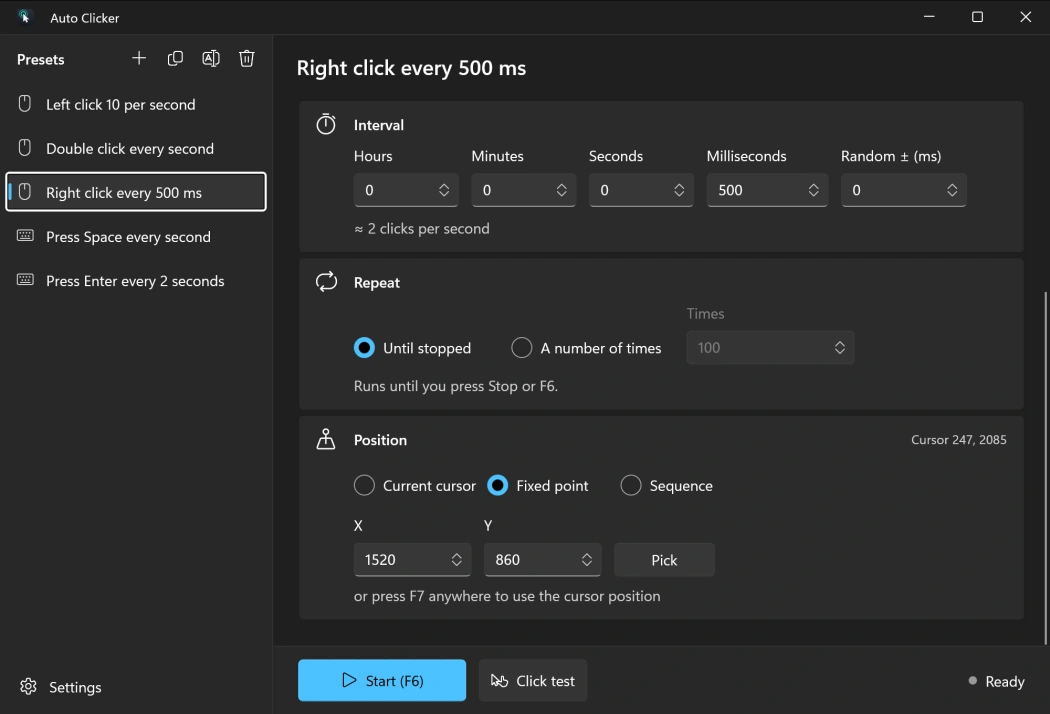
Click test
Set the interval and run a 10-click test in this panel.
Ready
Click here, there, or in order
Use the position of your cursor, one fixed point, or a sequence of points. Press F7 to record a position.
Read the guide →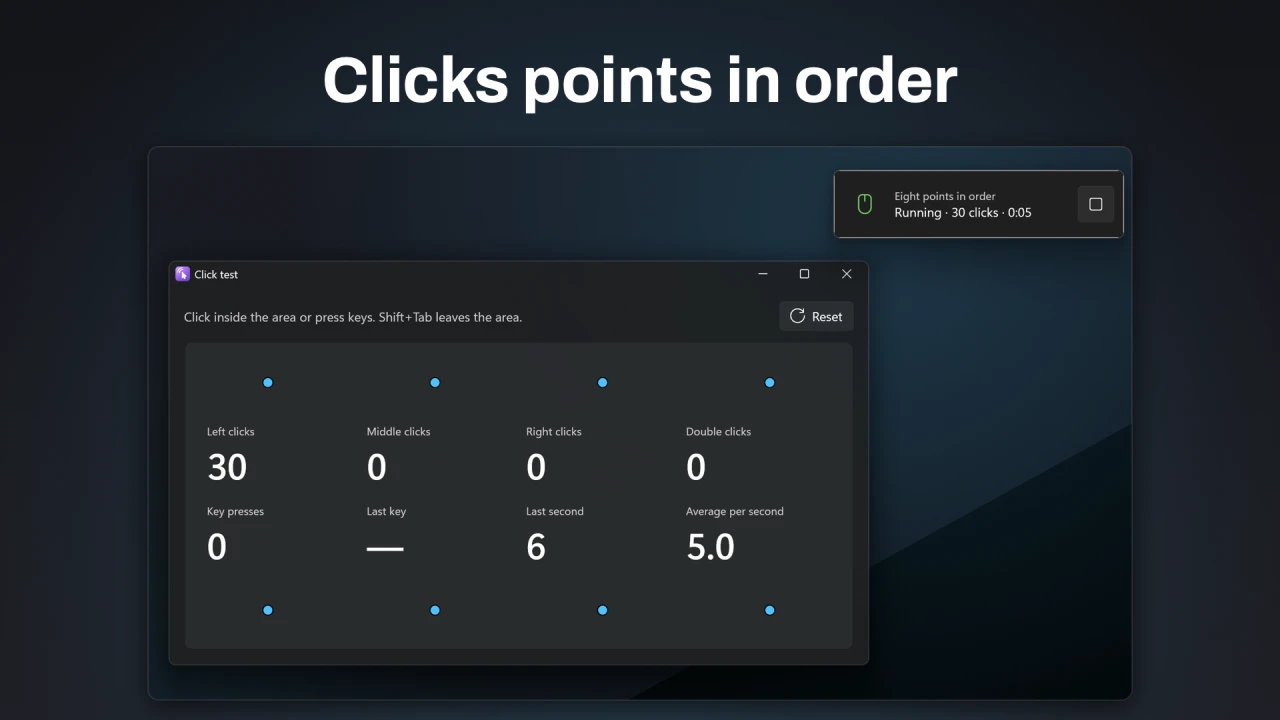
Test your setup first
Open Click test in the Windows app to see the clicks and keys it receives. Press F6 again to stop.
Read the guide →